
.svg)
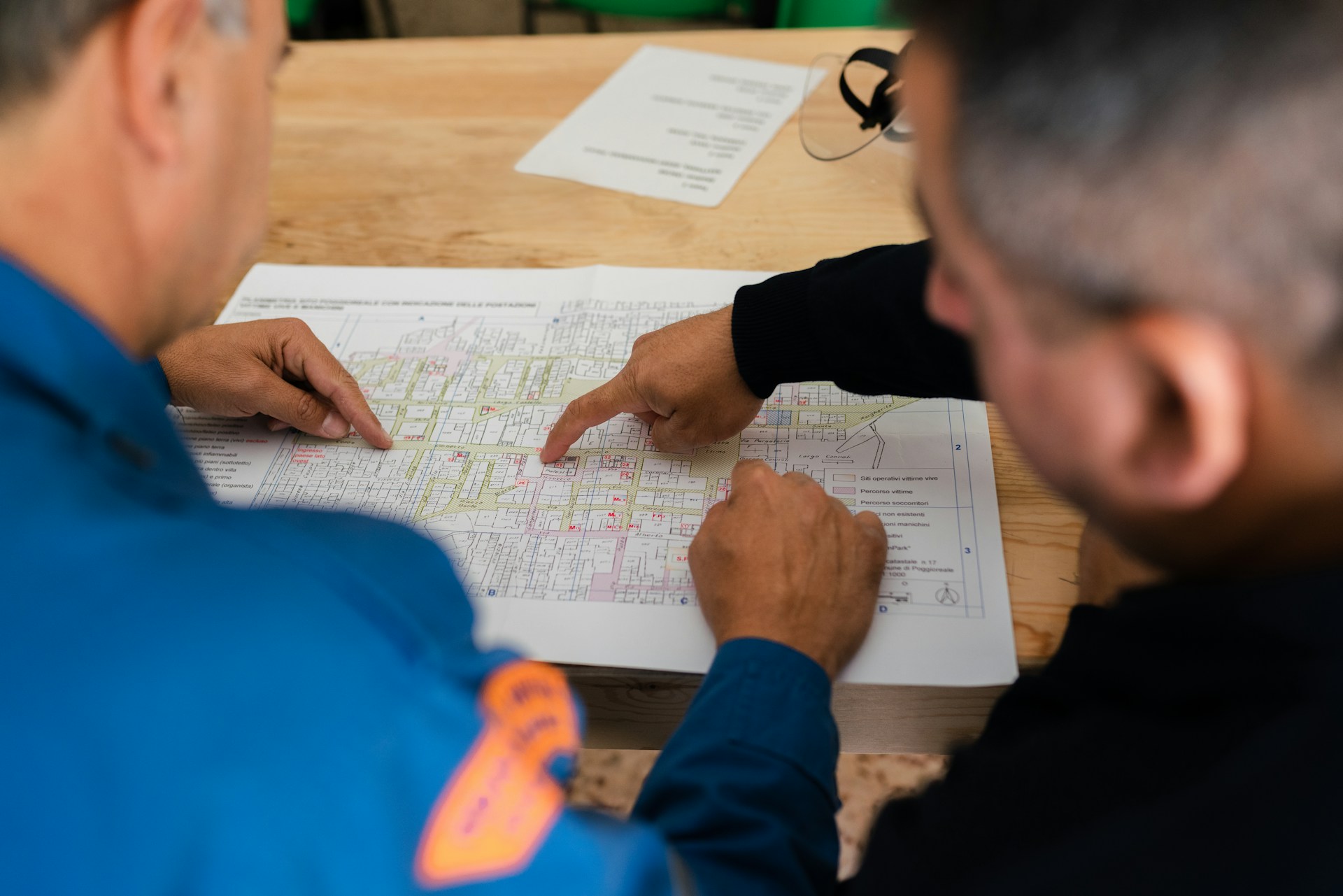
AEC software refers to specialized applications designed for the Architecture, Engineering, and Construction industry—tools that streamline everything from 3D modeling and structural analysis to project scheduling and proposal management. The category is broader than most people realize, covering not just design platforms like Revit and AutoCAD, but also the business development tools that help firms win work in the first place.
This guide breaks down the main types of AEC software, the features that matter when evaluating options, and how to choose the right tools for your firm's specific workflow.
What is AEC software
AEC software is a category of specialized applications built for the Architecture, Engineering, and Construction industry. The tools in this category help professionals design buildings, analyze structures, manage projects, and collaborate across teams—from the first sketch to the final walkthrough.
The term covers a lot of ground. Some AEC software focuses on 3D modeling. Other tools handle scheduling, budgeting, or field coordination. And then there's a whole subset dedicated to helping firms win work through better proposals and bids.
What ties all of it together? AEC software reduces manual work and improves accuracy in an industry where mistakes are expensive and deadlines don't move.mistakes cost 28% on average and deadlines don't move.
Here's what AEC software typically helps professionals do:
- Design: Create architectural plans, structural calculations, and infrastructure layouts
- Coordinate: Keep teams across disciplines working from the same information
- Analyze: Test designs for performance, cost, and buildability before construction starts
- Manage: Track timelines, resources, budgets, and deliverables throughout a project
What does AEC stand for
AEC stands for Architecture, Engineering, and Construction. The acronym describes the three interconnected disciplines involved in designing, planning, and building structures—everything from office towers to bridges to hospitals.
You'll often hear "AEC industry" used as shorthand for this entire market. It's a useful umbrella term because projects in this space rarely involve just one discipline. A single hospital project, for example, might require architects, structural engineers, mechanical engineers, general contractors, and dozens of specialty trades all working together.
This context matters when you're evaluating software. A tool marketed as "AEC software" might focus narrowly on one discipline (like architectural design) or span multiple phases (like project management across both design and construction).
Types of AEC software
The AEC software landscape breaks down into several distinct categories. Each one serves a different phase of the project lifecycle, so understanding where each fits can help you figure out what your firm actually needs.
Design and BIM software
Building Information Modeling (BIM) software creates intelligent 3D models that contain data about every building component—not just shapes, but materials, costs, and performance characteristics. Tools like Autodesk Revit fall into this category. Traditional Computer-Aided Design (CAD) software like AutoCAD also lives here, handling 2D drawings and 3D modeling., with 68% of AEC professionals already using BIM technology. Traditional Computer-Aided Design (CAD) software like AutoCAD also lives here, handling 2D drawings and 3D modeling.
Where it fits in your workflow: Design and BIM tools dominate the early design phase through construction documentation. Architects and engineers use them to develop and refine designs before handing off to contractors.
Project management software
Project management platforms help teams plan, track, and report on schedules, resources, and budgets. They're the coordination layer that keeps complex projects moving when dozens of stakeholders are involved.
Where it fits in your workflow: Project management tools run throughout the project lifecycle, from initial planning through closeout. They become especially critical during construction when daily coordination determines whether you hit milestones.
Proposal and bid management software
This category helps AEC firms respond to RFPs, assemble qualified project teams, and manage the employee resumes and project references that evaluators review. Unlike design tools, proposal software focuses on winning work rather than delivering it.
Platforms like Flowcase fall into this category. The focus is on reducing manual document assembly and improving proposal quality—helping bid teams find the right people and relevant experience for each opportunity.
Where it fits in your workflow: Proposal software is most active during the pre-construction phase when firms are pursuing new projects. It's the front end of your business development pipeline.
Estimating and takeoff software
Estimating tools help contractors and subcontractors calculate quantities and costs from drawings and models. Accurate estimates determine whether you win profitable work or commit to losing propositions.
Where it fits in your workflow: Estimating tools are critical during preconstruction and bidding, when you're determining what a project will actually cost to build.
Field and construction management software
Field management platforms handle on-site coordination: daily logs, punch lists, RFIs (requests for information), submittals, and scheduling. They're the operational backbone once construction begins.
Where it fits in your workflow: Field management tools take over during active construction and run through project closeout, capturing documentation you'll need for warranties and future reference.
What features to look for in AEC software solutions
When you're evaluating AEC software, the question shifts from "what's available" to "what actually matters for your firm." The features below serve as key selection criteria.
FeatureWhy It MattersQuestions to Ask VendorsCentralized dataSingle source of truth reduces errorsWhere is data stored? Who controls access?AutomationEliminates repetitive formatting tasksWhat tasks can be automated?CollaborationKeeps distributed teams alignedHow do users share and review work?IntegrationConnects your existing systemsWhat APIs or connectors are available?
Centralized data management
A single source of truth for employee credentials, project histories, and firm experience eliminates the chaos of scattered files across shared drives. Centralized data matters for data quality, compliance, and simply finding what you need when deadlines are tight.
Think about the last time you searched for an updated resume or a specific project reference. If that took more than a few minutes, centralized data management would help.
Automation and templates
Features that auto-populate documents reduce manual copy-paste work and keep formatting consistent. Automation is especially valuable for complex requirements like government forms (SF 330, for example) or client-specific templates that demand precise formatting.
Automation doesn't replace human judgment. It handles the repetitive mechanics so your team can focus on strategy and tailoring.
Collaboration tools
Version control, review workflows, and multi-user access prevent the confusion that comes from long email chains and conflicting document versions. When multiple people contribute to a proposal or project, you need clear visibility into who changed what and when.
Integration with existing systems
The ability to connect with your CRM, ERP, and HR platforms via REST APIs and native connectors determines whether new software fits into your workflow or creates another data silo. The best tools turn raw data from various systems into usable, proposal-ready content.
How AEC industry software helps you win more work
The right AEC software connects capabilities to business outcomes. For firms that compete through proposals and bids, this means responding faster, matching qualified people to opportunities, and submitting higher-quality documents.
Consider what typically slows down a proposal response:
- Hunting for updated resumes
- Reformatting project descriptions
- Coordinating inputs from multiple offices
- Scrambling to meet formatting requirements
Software that addresses these friction points directly impacts win rates.—critical when firms win only 50% of bids they pursue.
Here's what to look for in terms of outcomes:
- Faster response times: Assemble bid teams and documents without the last-minute scramble
- Better team matching: Search employee skills and project experience to find the right fit for each opportunity
- Consistent quality: Maintain brand standards and reduce errors across submissions
- Improved compliance: Meet evaluator criteria and regulatory requirements without manual checking
👉 Get your Proposal Optimization Score →
How to choose the right software for your AEC firm
Selecting AEC software isn't about finding the "best" tool. It's about finding the right fit for your specific situation. Here's a practical framework for evaluation.
Start by identifying your primary use case. Are you solving a design problem, a project delivery problem, or a business development problem? The answer determines which category of tools to prioritize.
Assess your team size and structure. A solo practitioner has different needs than a multi-office firm with hundreds of employees. Larger organizations typically need more robust search, permissions, and collaboration features.
Evaluate data migration carefully. Can you import existing CVs, project records, and templates? Migration complexity often determines whether adoption succeeds or stalls.
Check integration requirements. What systems does the new tool need to connect with? A platform that doesn't talk to your existing CRM or HR system creates more work, not less.
Consider user adoption realistically. Will employees actually maintain their profiles and use the platform? The best features mean nothing if your team won't engage with them.
Strengthen your bid process with the right AEC software
While AEC software spans the full project lifecycle, firms pursuing competitive work benefit most from tools specifically designed for proposals and bids. The goal is shifting from reactive—scrambling to pull together passable documents on deadline eve—to proactive, where you're always ready to respond at speed.
The difference shows up in win rates, team morale, and the quality of work you pursue. When assembling a qualified bid team takes minutes instead of days, you can be more selective about which opportunities deserve your attention.
👉 Get your Proposal Optimization Score →
FAQs about AEC software
Does AEC software include AutoCAD?
Yes, AutoCAD is one type of AEC software. It falls into the CAD category and is often bundled in suites like the Autodesk AEC Collection. However, "AEC software" encompasses many other tool types beyond CAD—project management, proposal management, estimating, and field coordination platforms all qualify.
What is the difference between AEC software and BIM software?
BIM software is a subset of AEC software. BIM focuses specifically on intelligent 3D modeling with embedded data. AEC software is the broader category that includes all tools used across architecture, engineering, and construction workflows—design, coordination, management, and business development.
Can proposal management software handle government forms like SF 330?
Yes, specialized proposal management tools can auto-populate complex federal forms like the SF 330. They pull employee and project data directly into required formats, which significantly reduces manual entry and formatting errors that often plague government submissions.
How do AEC firms manage employee resumes and qualifications for bids?
Many AEC firms use dedicated resume and experience management platforms. These tools maintain searchable, up-to-date employee profiles that bid teams can quickly find and tailor for each specific proposal—rather than hunting through shared drives or sending mass emails requesting updated CVs.
What role does AI play in modern AEC software?
AI increasingly supports tasks like content translation, proofreading, text optimization, and automated data extraction in AEC software. AI-powered features help speed up document preparation and improve quality, which is particularly useful when consultants are busy and need to produce professional content quickly.
.png)

