
InDesign support for Reference Projects
Back when we launched InDesign exports for CVs and resumes, we mentioned that reference project support was on the way. Today, it's here.
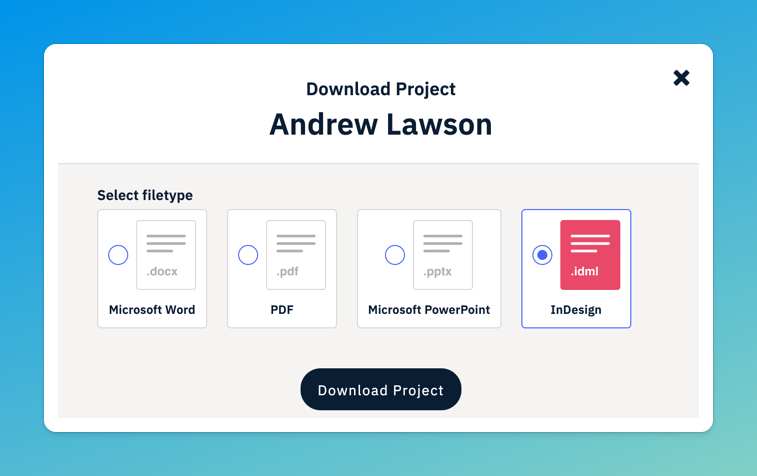
Your reference project data can now be exported as .idml files, ready to open and edit directly in Adobe InDesign. This means your entire proposal workflow, from personnel CVs to project references, can live within the same design environment.
How to use InDesign templates
For firms that build proposals in InDesign, reference projects have often required manual formatting or copy-pasting between tools. Now you can pull structured project data straight from Flowcase into your InDesign layouts, keeping your bid documents visually consistent without the extra legwork.
Getting started
Reach out to the Template team on templates@flowcase.com to have a Reference Project template built for your firm. Once it's configured on your account, you'll see InDesign as a download option alongside your existing export formats when working with reference projects.
If you already have an InDesign CV template in place, the team can make sure both templates work together seamlessly within your brand.